Does VIWO restaurant POS software work without internet?
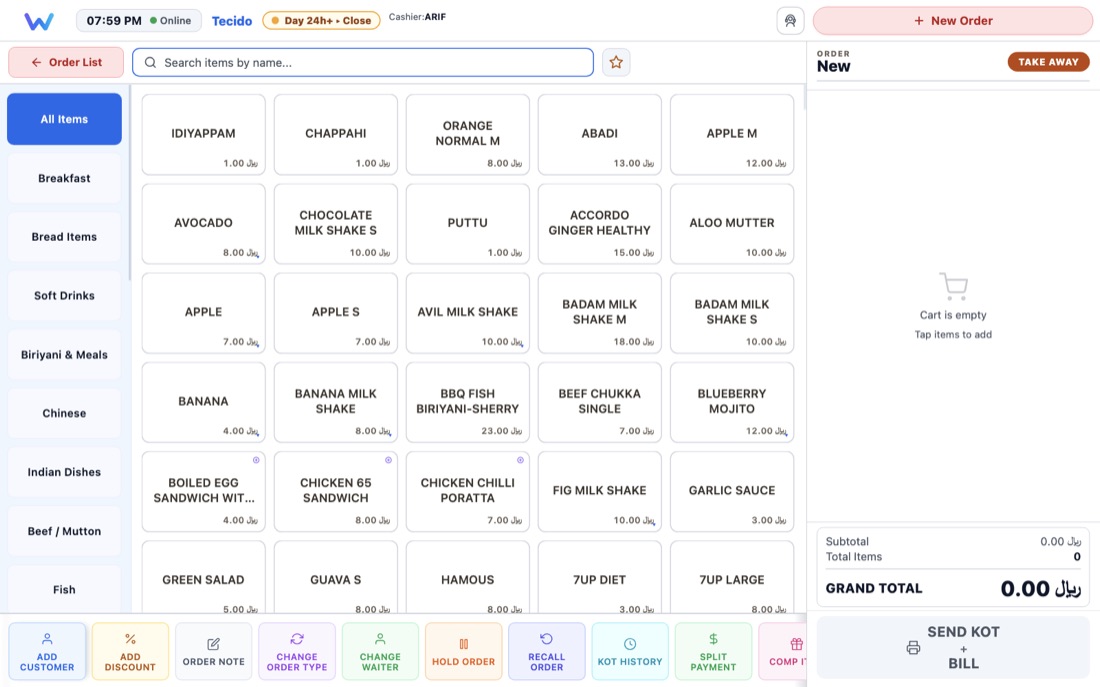
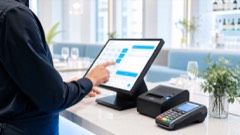
Yes. VIWO POS runs on Windows and macOS and keeps working when the connection drops — orders, KOTs, printing and payments continue locally on the till. Everything syncs to the cloud automatically once connectivity returns, so no shift is lost to an outage.
How is VIWO priced, and how do we get started?
Pricing depends on the number of outlets, terminals and modules you need. Message the team on WhatsApp or request a demo below, and you will get a written quotation along with a walkthrough of the system on your own menu.
Is VIWO a cloud POS?
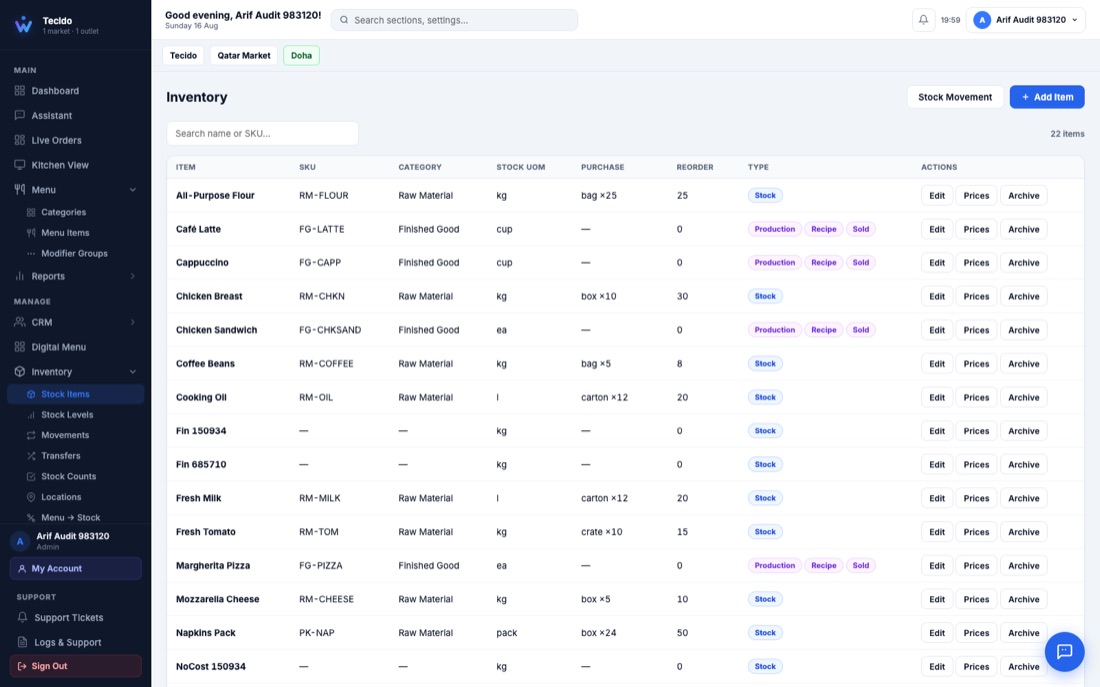
Yes — with one important difference. Menus, stock, reports and the Back Office live in the cloud and are managed from any browser, and every till syncs to the cloud continuously. But the till itself runs locally on your machine, so unlike a purely cloud POS, billing does not stop when the internet does.
Is VIWO suitable for a restaurant group with several outlets?
Yes. VIWO is built multi-brand and multi-outlet. Each outlet runs its own tills and kitchen screens, while the cloud Back Office gives head office a single place to configure menus, pricing, stock and permissions, and to compare outlet performance.
What is included besides the point of sale?
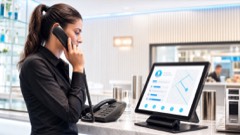
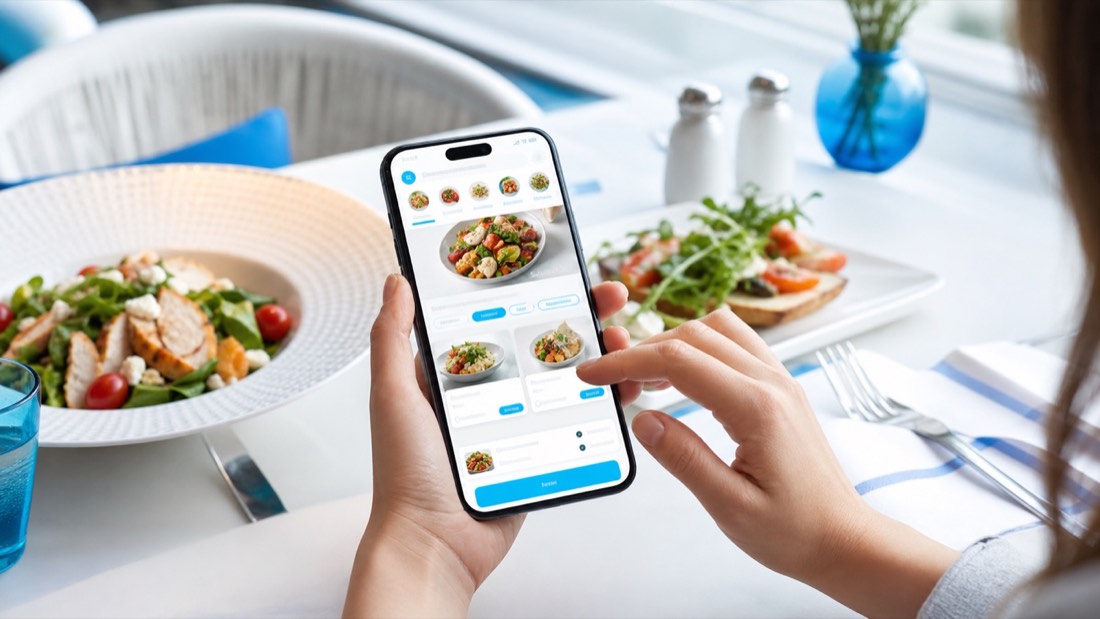
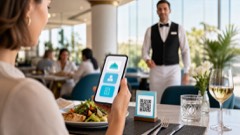
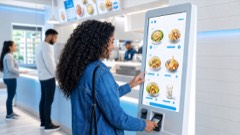
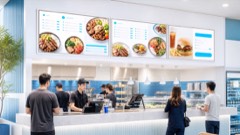
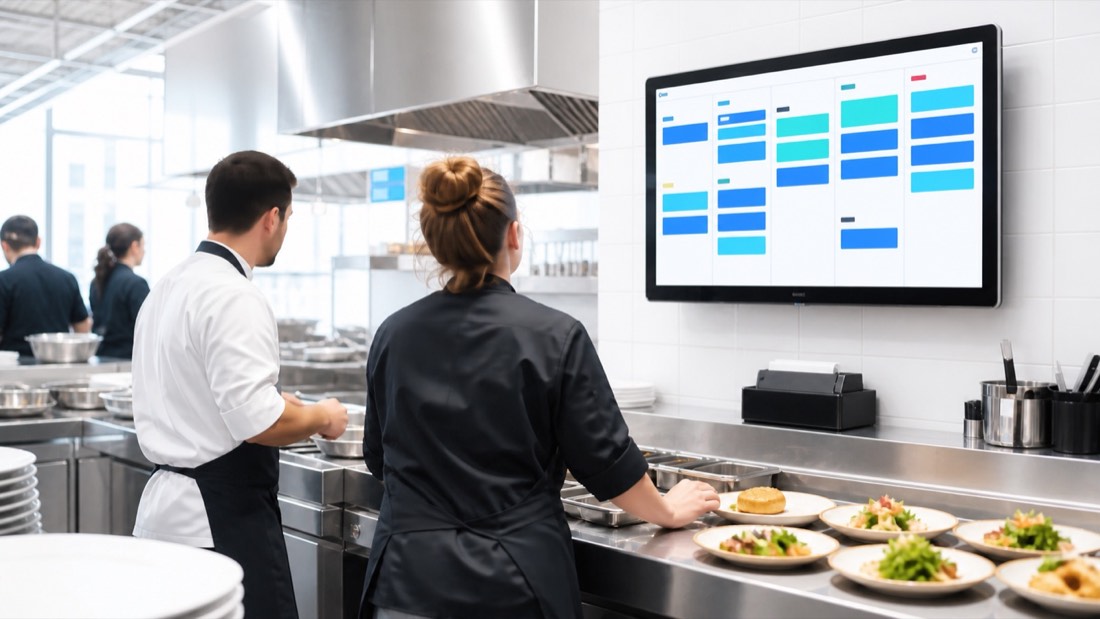
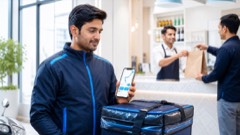
26 connected modules: POS, waiter app, kitchen display, self-service kiosk, digital menu boards, QR ordering, delivery rider app, aggregator and payment integrations, caller ID, cloud Back Office, inventory, purchasing, recipe and food costing, CRM, HRM, document control, remote approvals, restaurant accounting, 50+ reports and an owner app.
Can VIWO print receipts and kitchen tickets in Arabic?
Yes. VIWO supports Arabic and English printing on thermal receipt and kitchen printers, alongside configurable print layouts, print density and per-station routing rules.
Does VIWO connect to delivery aggregators?
Yes. Talabat integration is available today — Talabat orders arrive in VIWO as online orders, so the kitchen sees them in the same live queue as dine-in and takeaway, and they reconcile with the rest of the day's sales. Ask the team about other platforms.
How long does it take to go live, and who loads our menu?
The VIWO team handles installation, loads your full menu with prices and modifiers, and trains your staff before handover — for a single outlet this is usually a matter of days, not weeks. If you are switching from another system, the team manages the changeover so you do not lose a day of billing.
What support do we get after go-live?
Online support from the Doha-based team is included, with on-site visits available when something needs hands-on attention. Support covers the POS, kitchen screens, printers and the Back Office — one team for the whole system.
What hardware does VIWO need?
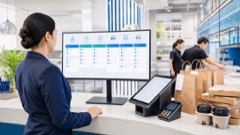
A Windows or macOS machine at the counter runs the POS. Receipts and kitchen tickets print on standard 80mm ESC/POS thermal printers, the waiter and owner apps run on ordinary Android phones or tablets, and the Back Office opens in any modern browser. The team will advise on hardware for your outlet as part of the quotation.
What does a VIWO quotation include?
The written quotation itemises the software licence, installation and setup, loading your menu, staff training and ongoing support — so you can compare it line by line, with no obligation.